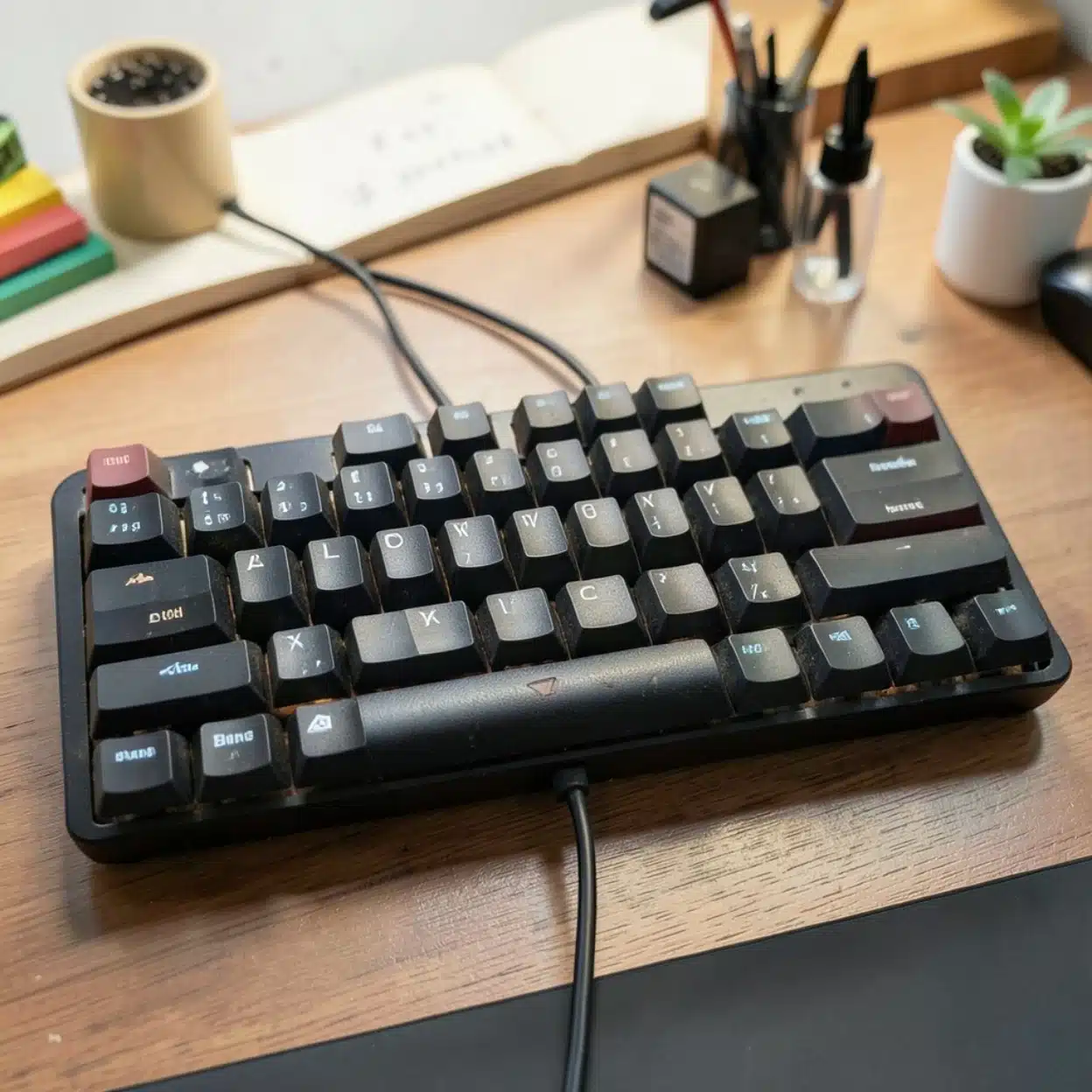
Speed and accuracy in typing are heavily dictated by the physical hardware beneath your fingertips. While software training and muscle memory matter, the mechanical synergy between your keyboard’s form factor (its physical layout and size) and its switches (the mechanism registering each keystroke) directly impacts fatigue, rhythm, and words-per-minute (WPM) throughput.
This breakdown analyzes the best switch types, internal mechanics, and form factors engineered specifically to maximize typing speed, reduce finger strain, and streamline your workflow.
Part 1: The Anatomy of Speed — Choosing the Right Switch
Switches dictate the resistance, travel distance, and feedback loop of every keypress. For fast typing, you want a switch that minimizes unnecessary resistance while providing enough tactile or consistent feedback to prevent typos.
1. Tactile Switches (The Typist’s Gold Standard)
Tactile switches feature a physical “bump” mid-way through the key travel. This bump informs your brain precisely when a key actuation has registered, allowing you to “float” above keys and snap to the next character without bottoming out forcefully.
- Why it helps speed: The physical feedback reduces bottoming-out fatigue, shortening your travel path per keystroke.
- Top Recommendations: Sillyworks x Gateron Type R, Gateron Baby Kangaroo (V2), or classic Boba U4Ts. They offer a crisp, clean bump without feeling sluggish.
2. Light Linear Switches (For Fluid, Gliding Speed)
Linear switches offer a completely smooth descent from top to bottom with no bump or click. While traditional typists prefer tactiles, touch-typists who bottom out heavily often favor light, smooth linears.
- Why it helps speed: With zero friction or bumps to cross, your fingers can glide across the home row at maximum velocity.
- Top Recommendations: Keygeek Y2, Gateron Milky Yellow Pro, or Gateron Oil Kings. Ensure spring weights are relatively light (around 45g–50g operating force) to prevent finger fatigue during long typing sessions.
3. Silent & Pre-Lubed Innovations
Modern factory pre-lubed switches remove the scratchy friction that plagued older mechanical keyboards. For shared workspaces or open offices, silent tactiles (such as the TTC Silent Bluish White V2) provide the physical feedback necessary for fast typing without the disruptive clatter.
Part 2: Form Factor Breakdown — Layouts for Productivity and Flow
The physical size of your keyboard dictates how far your hands have to travel to reach navigation clusters, modifiers, and the mouse. For pure typing speed, minimizing unnecessary hand movement is vital.
1. The 75% Layout (The Ultimate Productivity Sweet Spot)
- Overview: Retains the entire function row ($F1$–$F12$), arrow cluster, and dedicated navigation keys (Home, End, Page Up/Down), but condenses them into a tight, space-saving block.
- Why it’s great for fast typing: You sacrifice zero functionality compared to a massive board, but your mouse sits much closer to your right hand, minimizing shoulder strain during heavy mixed workflows (coding, writing, and navigating).
2. The Tenkeyless (TKL / 87-Key) Layout
- Overview: Features the traditional arrow cluster and navigation block of a full-size board, but completely shears off the numeric keypad (numpad).
- Why it’s great for fast typing: If your work does not require continuous 10-key data entry, a TKL is phenomenal. It centers your typing position symmetrically with your shoulders, eliminating awkward arm-stretching to reach the mouse.
3. The 65% Layout (Compact Efficiency)
- Overview: Strips out the function row entirely (shifting those keys to an accessible layer via a
Fnmodifier), but keeps a dedicated physical arrow cluster and right-side column of navigation keys. - Why it’s great for fast typing: Minimalist footprint that keeps your hands locked squarely on the home row, maximizing speed for pure text entry and programming.
Part 3: Key Features to Maximize Typing Ergonomics
Beyond switches and layouts, specific design elements contribute heavily to a high-speed typing setup:
- Gasket Mounting: Look for keyboards featuring a gasket-mounted plate design. Instead of rigid screw-in rigidity, gasket mounts provide a soft, cushioned downward flex that absorbs harsh impact shock, protecting your finger joints during high-speed typing marathons.
- Keycap Profiles (Cherry or OEM): Sculpted keycap profiles like Cherry or OEM feature varying row heights that match the natural arc of your fingers, drastically increasing typing comfort and speed compared to flat chiclet or uniform XDA profiles.
- Hot-Swap Sockets: Ensure the keyboard PCB is hot-swappable. This allows you to experiment with different switch weights and tactile profiles without needing a soldering iron.